Getting Started
This page helps you create a Fynd account and access the Fynd Partners portal. It is your starting point for onboarding as a partner, managing your profile, and collaborating on the Fynd Commerce platform.
1. Create Your Fynd Account
- Sign up and create an account on console.fynd.com.
2. Access the Fynd Partners Portal
- Log in to console.fynd.com.
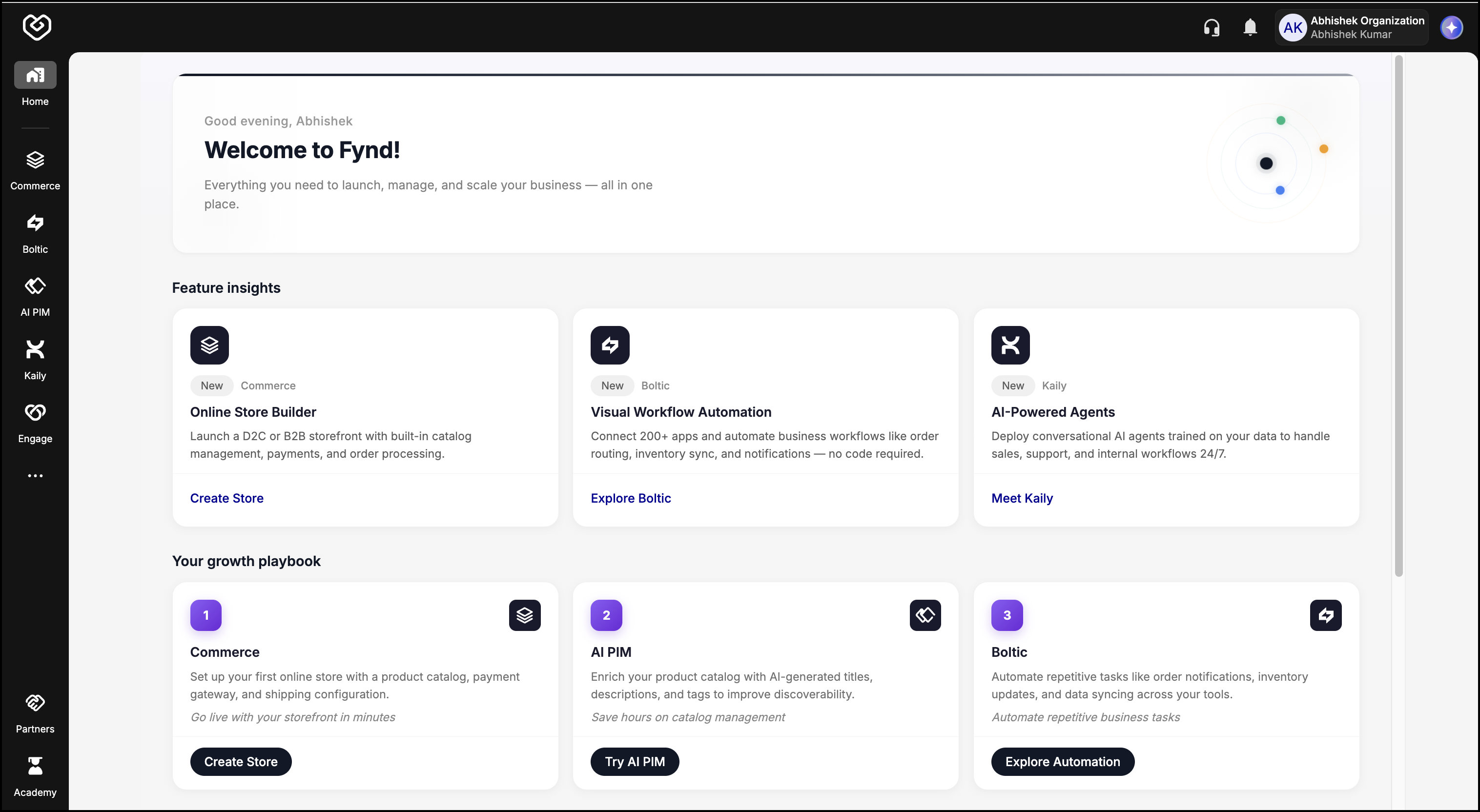
- Click the Partners icon in the lower-left side of the window. You will be redirected to the Partners Onboarding page.
From here, you can search for existing partners or begin the process of becoming a Fynd Partner. Refer to Partner Onboarding for detailed steps.